Introduction
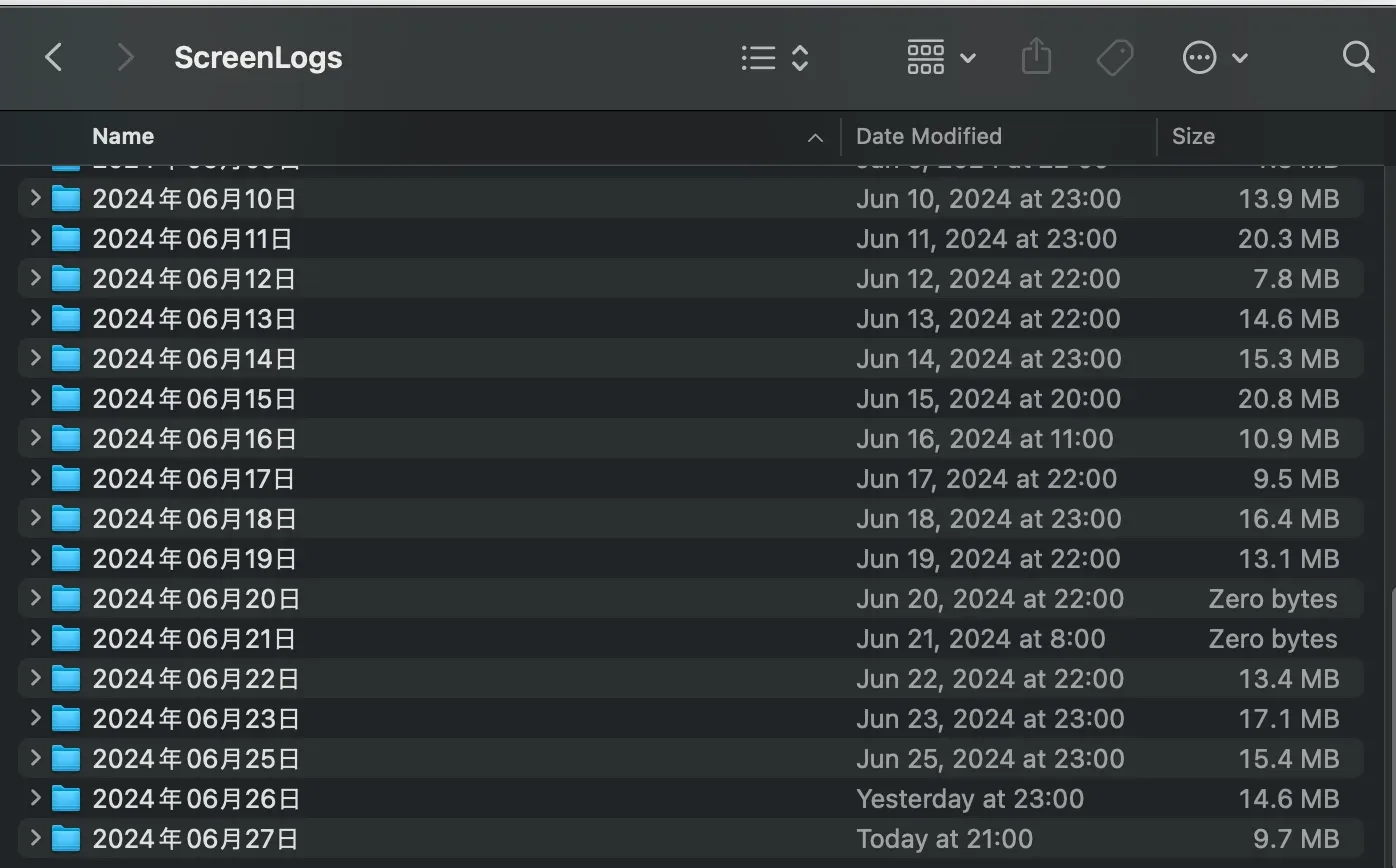
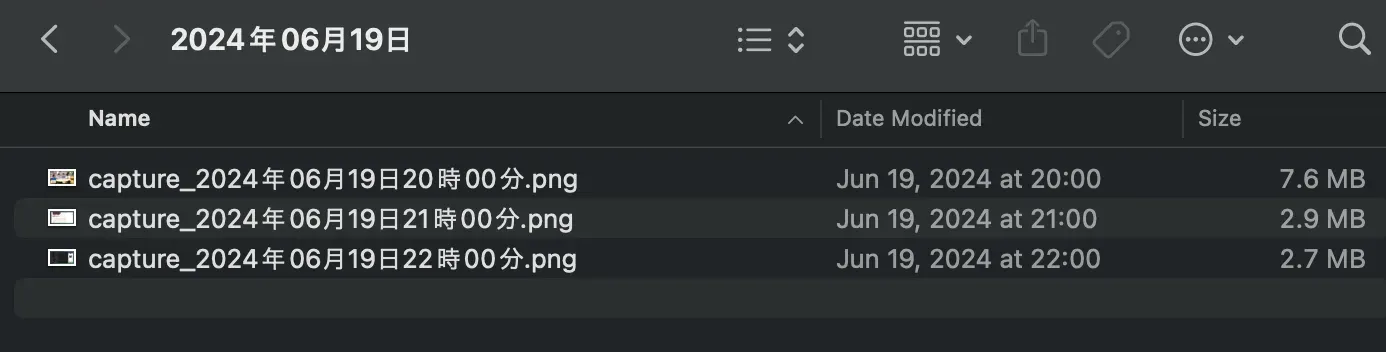
I record a screen log every hour on my Mac. It’s handy for looking back later, like remembering what I was doing at a certain time. And honestly, it’s just fun to look through.
They’re saved as images like this.
How to record it
I use cron, a standard feature of macOS, to run a script and record a screen log every hour.
You configure cron with a command called crontab. See this page for the configuration. https://spreadsheep.net/%E3%80%90crontab%E3%80%91mac-book%E3%81%A7%E5%87%A6%E7%90%86%E3%82%92%E5%AE%9A%E6%9C%9F%E5%AE%9F%E8%A1%8C%E3%81%99%E3%82%8B%E6%96%B9%E6%B3%95%E3%80%90%E8%B6%85%E7%B0%A1%E5%8D%98%E3%80%91/
FOLDERDIR=`date +%Y年%m月%d日`
DSTDIR=/Users/<username>/ScreenLogs/$FOLDERDIR

if [ ! -d $DSTDIR ]; then
  # if it doesn't exist, create it (and continue to the main process)
  mkdir $DSTDIR
fi

/usr/sbin/screencapture -m -C -T0 -x $DSTDIR/capture_`date +%Y年%m月%d日%H時%M分`.png
00 * * * * /Users/<username>/apps/auto_capture.shBy saving this script to /Users/<username>/apps/auto_capture.sh and configuring it in crontab, you can record a screen log every hour.
Of course, you can freely set the timing and frequency of the recording.
If the saved images end up being the desktop, try this.
Summary
By recording a screen log, you can look back on things later. Give it a try.