Here’s how to view disk usage per table in pgAdmin4.
Method
Running the following SQL in the Query Tool lets you check the disk usage of each table.
SELECT
     pg_size_pretty(pg_total_relation_size(relid)) AS total_size,
     pg_size_pretty(pg_relation_size(relid)) AS data_size,
     relname
FROM
     pg_catalog.pg_statio_user_tables
ORDER BY
     pg_total_relation_size(relid) DESC;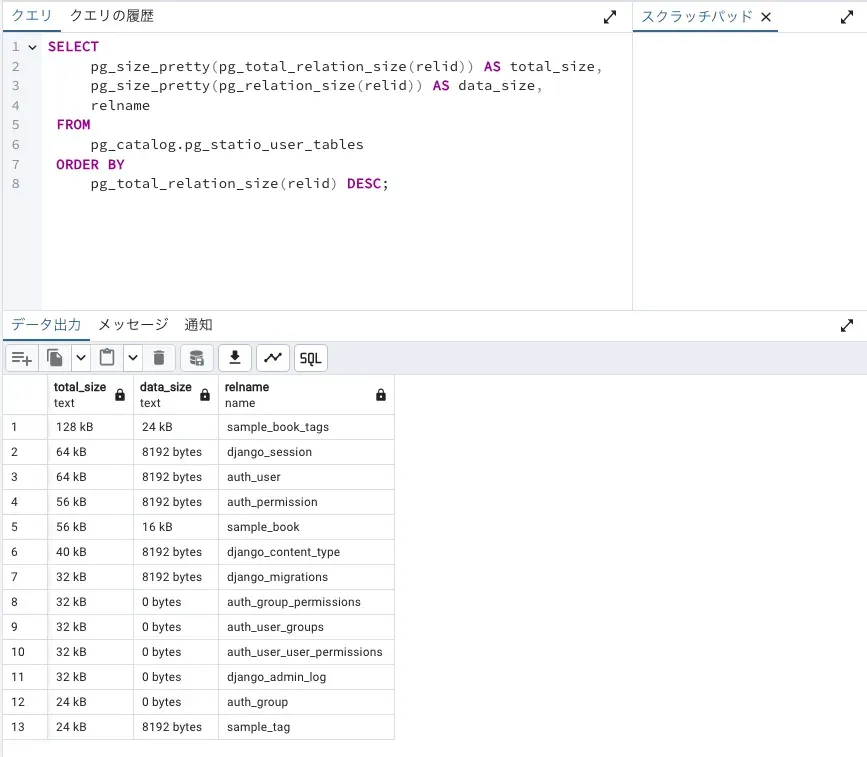
Conclusion
When you’re on a free tier for a database or similar, it’s handy to be able to see which table is eating up the storage.